`
Mobile Accelerator for Oracle Service Cloud — August 2016
Top of Topic

Login

You set the server URL, then log in to the mobile app.

Procedure

  1. Launch the Oracle Service Cloud mobile app from your device.

    The splash screen appears, then the Start screen.
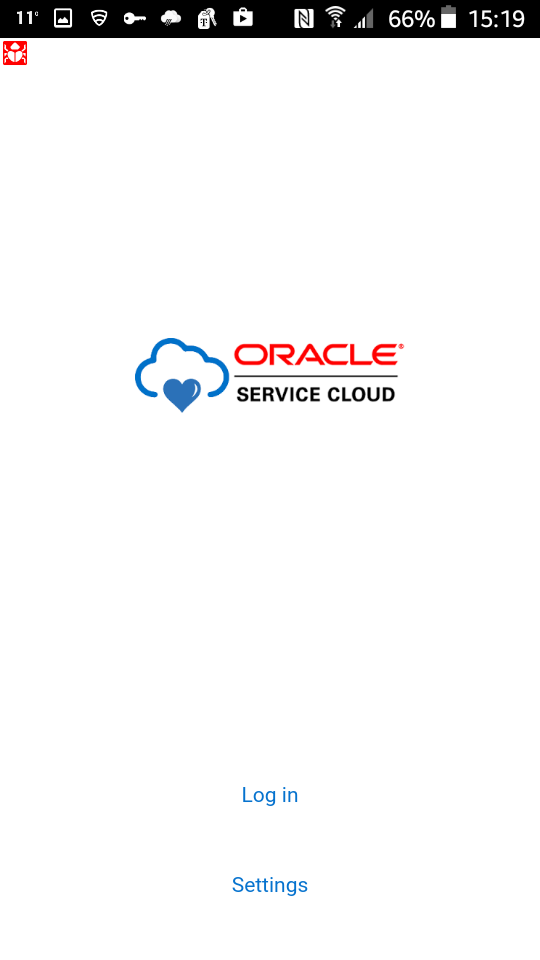
  2. Tap Settings.

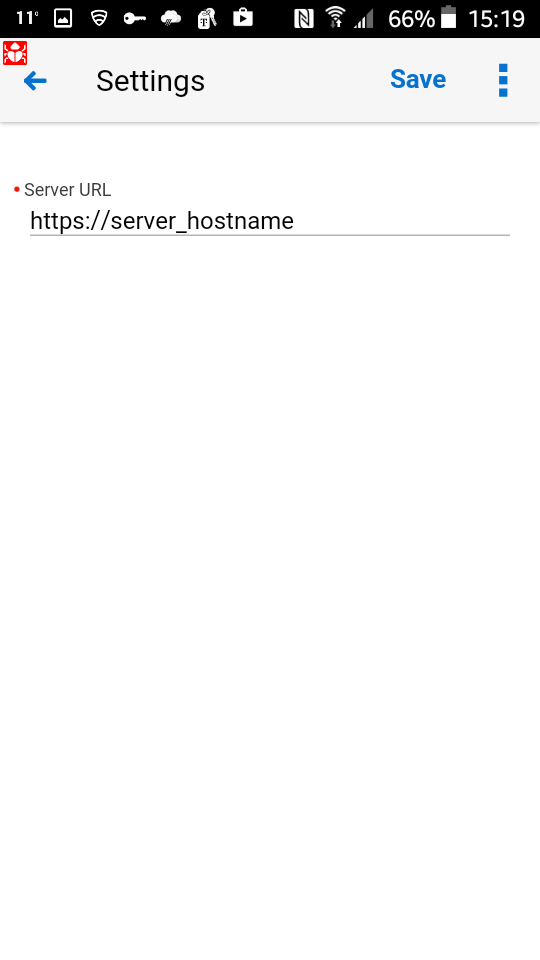
    The Settings screen appears.

  3. Enter the URL for the mobile application server, for example:

    https://mobile_site.example.com

  4. Tap Save.

    The app returns to the Start screen.

  5. Tap Login.

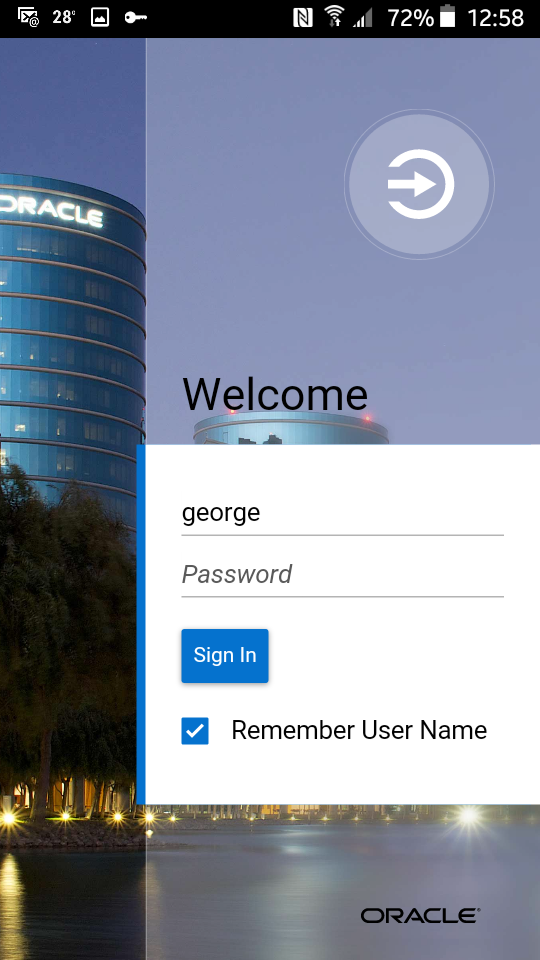
    The Login screen appears.

  6. Enter your user name and password.

    Select Remember User Name if you wish to use the same login repeatedly.

  7. Tap Sign In.

Results

The Dashboard appears.