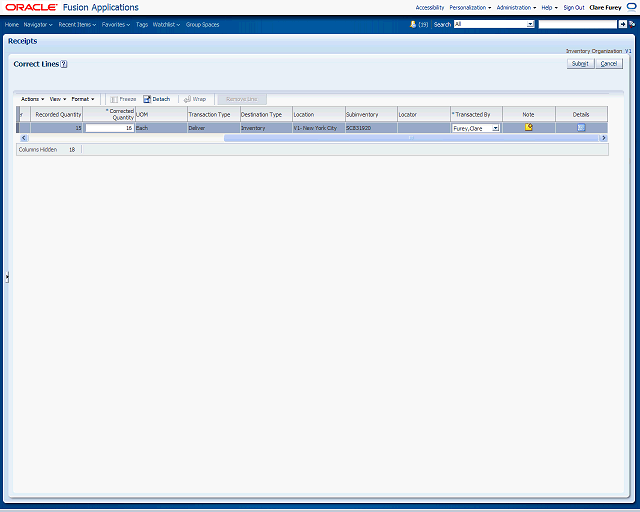

Click the Details icon to access the Correct Line page to enter specific line details for an individual receipt line. You can enter much of this information on the Correct Lines page. However, the Correct Line page displays the fields in an easier viewing format.
Click the Details button.