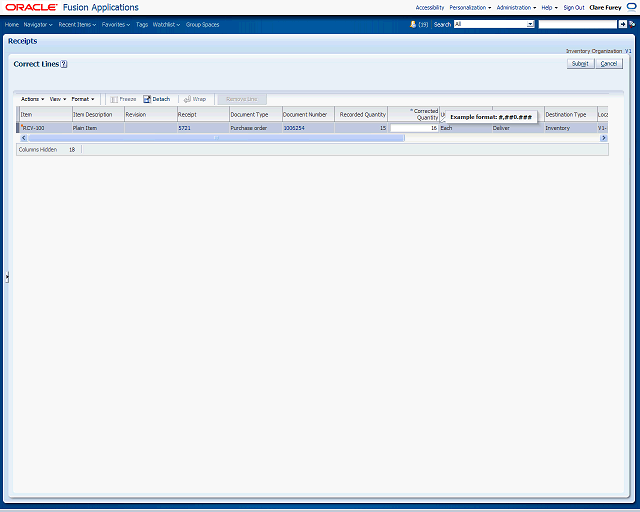

Enter the correct quantity for the receipt line. This quantity becomes the new receipt line quantity. For example, if the recorded quantity is 15 and you actually received 16, enter 16 in the Corrected Quantity field.
Enter the desired information into the Corrected Quantity field. Enter