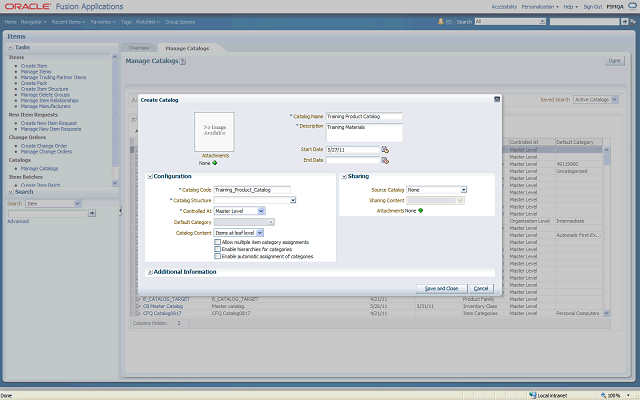

The start date defaults to the current date, but you can select a future start date if you want to continue working on the catalog before you make it available for operations. The catalog will not be active until the start date is equal to the current date.
You enter start and end dates using the specified date format.
In this example, you enter the end date 6/10/12.