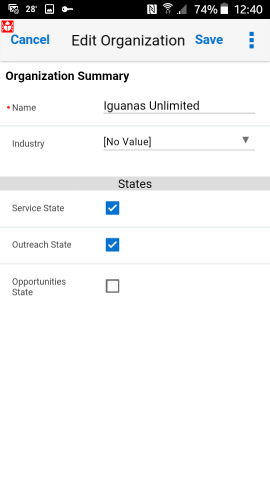
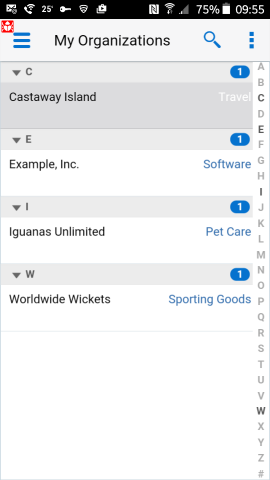
Organizations Procedure Tap Organizations in the Springboard. The My Organizations list appears. Tap an organization to view its details, or tap the Search icon () to search for organizations. Tap the Incidents or Contacts icon at the bottom of the screen to view incidents or contacts assigned to that organization, respectively. Tap the Edit icon () to add or change information for the organization. Tap Save to save the changes, or Cancel to discard the changes.


 ) to search for organizations.
 ) to add or change information for
the organization.
) to add or change information for
the organization.