Step 3: Renaming an EJB and its Classes

Previous

Next
Step 3: Renaming an EJB and its Classes |
Previous |
Next |
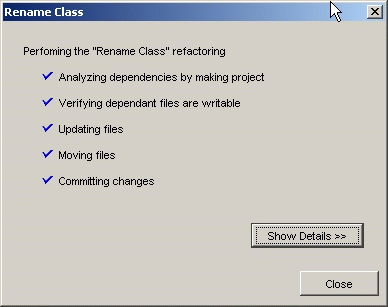
Renaming an EJB can be an involved process because all of the EJB classes will have to be renamed/refactored. JDeveloper provides a useful tool that renames an EJB and all its classes.
To rename an EJB and all its classes:
Dept.