
Previous
| Page 4 of 4 | Next
Performing Gap-Fit Analysis
Customizing the Predefined OCDM Models for SuperTelco
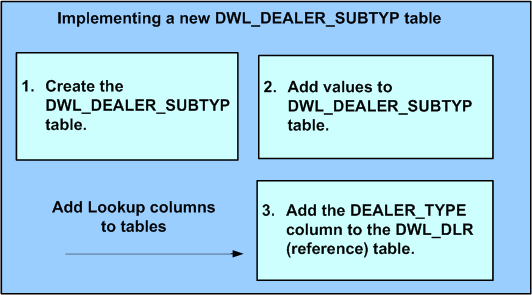
This first customization scenario consists of the following steps:
- Define a new lookup in the Logical Data Model.
- Decide on a TYPE_CODE value corresponding to the lookup.
- Define a new view, DWL_DEALER_SUBTYP, for the lookup.
- Insert a set of records into the DWL_DEALER_SUBTYP table, corresponding to the possible sets of value for the lookup with the fixed TYPE_CODE value, as decided as part of step 2.
- Add a column into a new DWR_DLR table, where this new lookup needs to be used.
Previous | Page 4 of 4 | Next