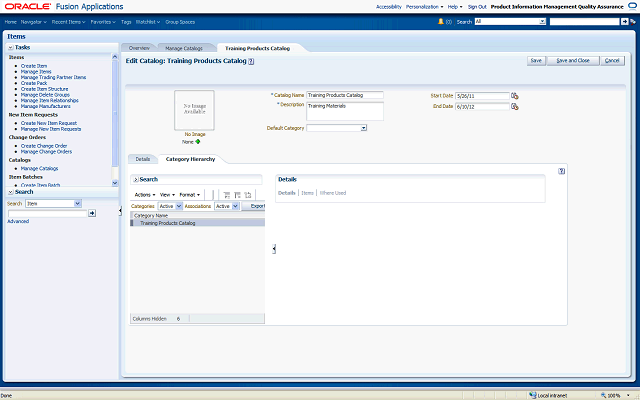

The Category Hierarchy tab shows the root category of the catalog, which is your catalog name.
You create the category hierarchy by adding existing or shared categories to your catalog. You can add categories that have a Category Structure value that matches the Category Structure value of your catalog. You identified your catalog's Category Structure value when you created your catalog.
To add an existing category, select Add Category from the Actions menu.