Using the JDeveloper EJB Tools

Previous

Next
Using the JDeveloper EJB Tools |
Previous |
Next |
JDeveloper provides three tools for developing Enterprise JavaBeans:
The UML Class Modeler is a visual interface for creating and modifying your EJBs. You can use the modeling tools to create EJBs, relationships, dependencies, etc. You can also drag and drop database tables onto the diagram to create CMP entity beans.

Another tool you will use is the EJB Module Editor. The EJB Module Editor helps you edit XML code declaratively.
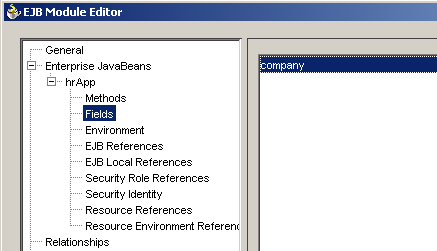
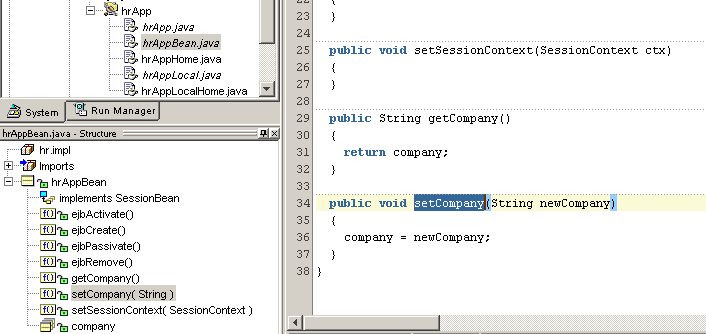
The third tool you'll need to use is the Code Editor. The Code Editor is used to view and edit your Java code. You'll use the Code Editor several times in this tutorial when you add implementation code to your Bean class and sample Java clients.
Now you are ready to proceed to the first part of the tutorial, Creating a Session Bean.