Preview documents directly in the Library
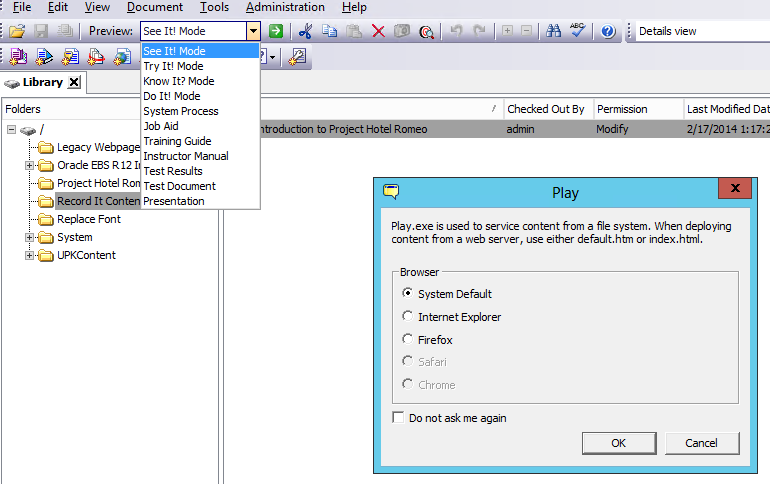
Outlines of content are a great way to create an organized group of content, but content can also be created directly in the Library. A great example is contributed content created with the Record It! wizard, which is stored in a dedicated Library folder. Content may now be previewed from the Library tab, allowing more freedom to preview or review content without an outline.
Key Feature
Authors may now preview a document from the Library tab.
Example